From your opening dashboard, the path is:
- Go to Deals.
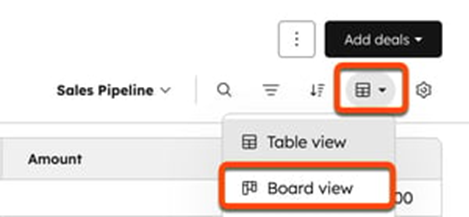
- If it doesn’t open in board view automatically, use the view type dropdown and switch to Board view.
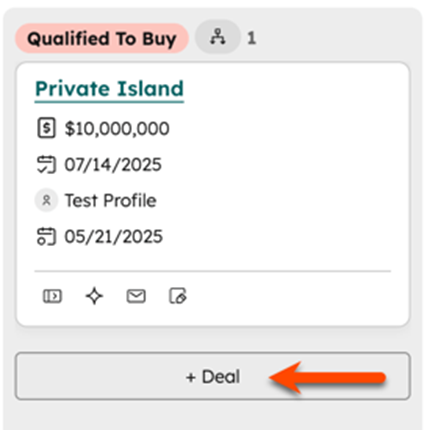
- To add a deal directly into a stage, hover over the stage column you want and click Create deal. HubSpot will prefill the Pipeline and Deal stage for that column.
- Or, click Add deals > Create new in the upper right, then choose the Pipeline and Deal stage in the create panel.
From the Deals board, the quickest way is:
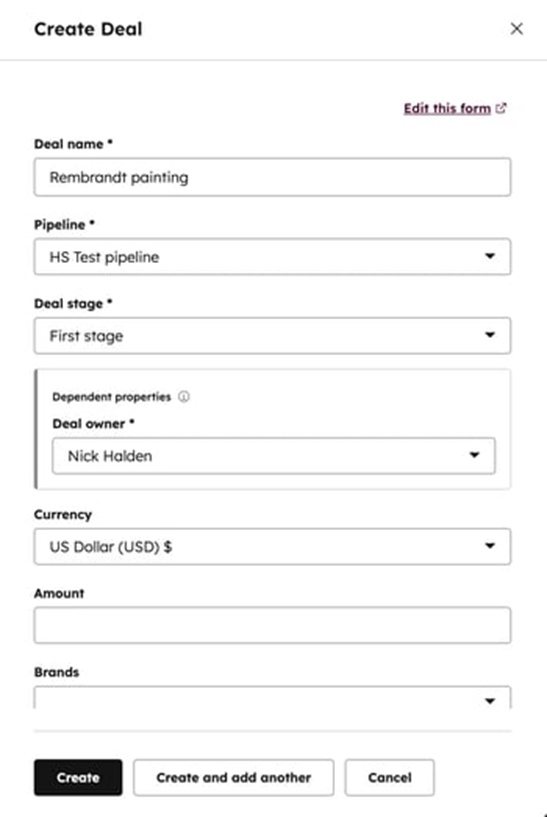
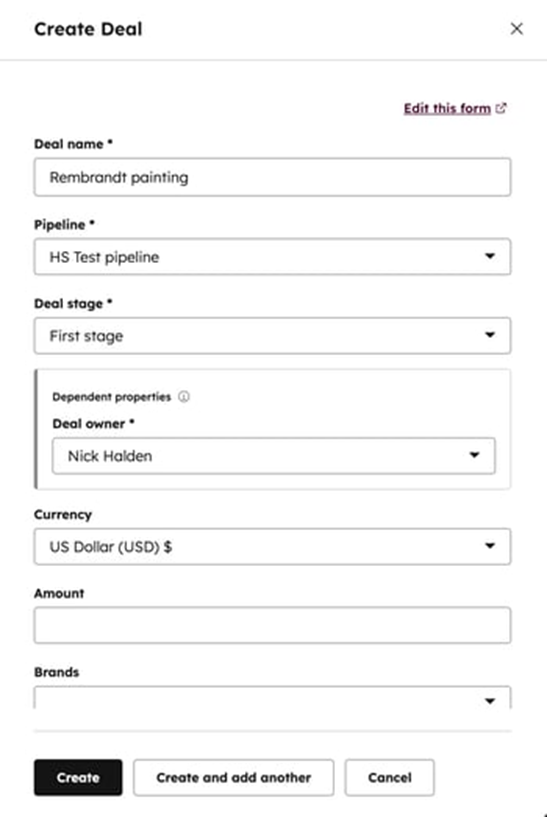
Click Create deal in the top right.- In the create panel, enter the deal details.
- Set the Pipeline dropdown to the pipeline you want.
- Choose the Deal stage in that pipeline.
- Click Create.
The create form includes fields like deal name, pipeline, deal stage, owner, currency, and amount.
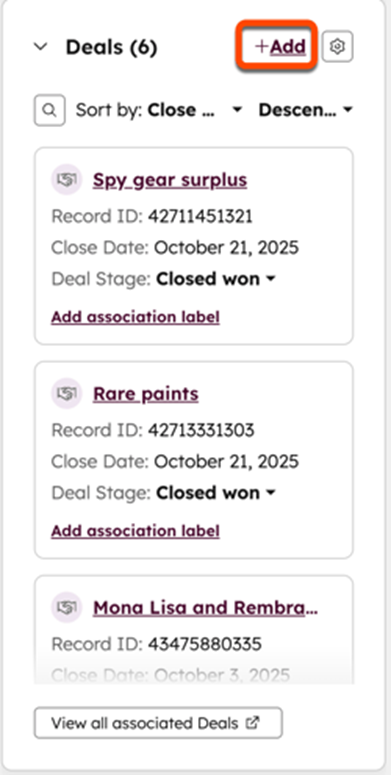
If you’re creating the deal from a contact or company record instead, open the record, use the Deals card, click + Add, then fill out the new deal and select the pipeline there.